The best free tools worth trying now
8 picks · By SaveToList Picks ·
Fresh practical tools for documents and dictation, alongside a few established essentials. Dated changes and access limits are included. Curated by SaveToList Picks. Follow newly useful small tools, with a clear free workflow and its limits. Recent creator and community sources are linked on the picks they informed. Dates distinguish launches, meaningful updates and renewed recommendations; established foundations are kept where they still earn their place.
Follow this list in SaveToList to keep future additions in reach.
Open a tiny spreadsheet, outliner or drawing tool and see a different approach to sharing: the URL contains the document. Worth exploring even if you already have a full office suite. October 2026 release coverage; an unusual new sharing experiment. Free; links contain the document, so share sensitive content cautiously.
Visit source
Correct a paragraph, rearrange pages or build a PDF workflow in your browser. The recent text editor adds a useful job beyond the familiar merge-and-split utilities. Substantive August 2026 update: editing existing PDF text. Free browser toolkit; processing is local. Test edits on a copy.
Visit source
Hold a shortcut, speak your sentence and paste the transcription into the focused text box. A practical local alternative for emails and notes when typing is the slow part. Handy 0.9.8 released October 3; users recommend its local dictation workflow on October 21–22. Free desktop app for Mac, Windows and Linux; download a speech model first.
Visit source
Compress a photo and compare the quality before downloading the smaller file, with image processing kept on your device. Free browser tool.
Visit source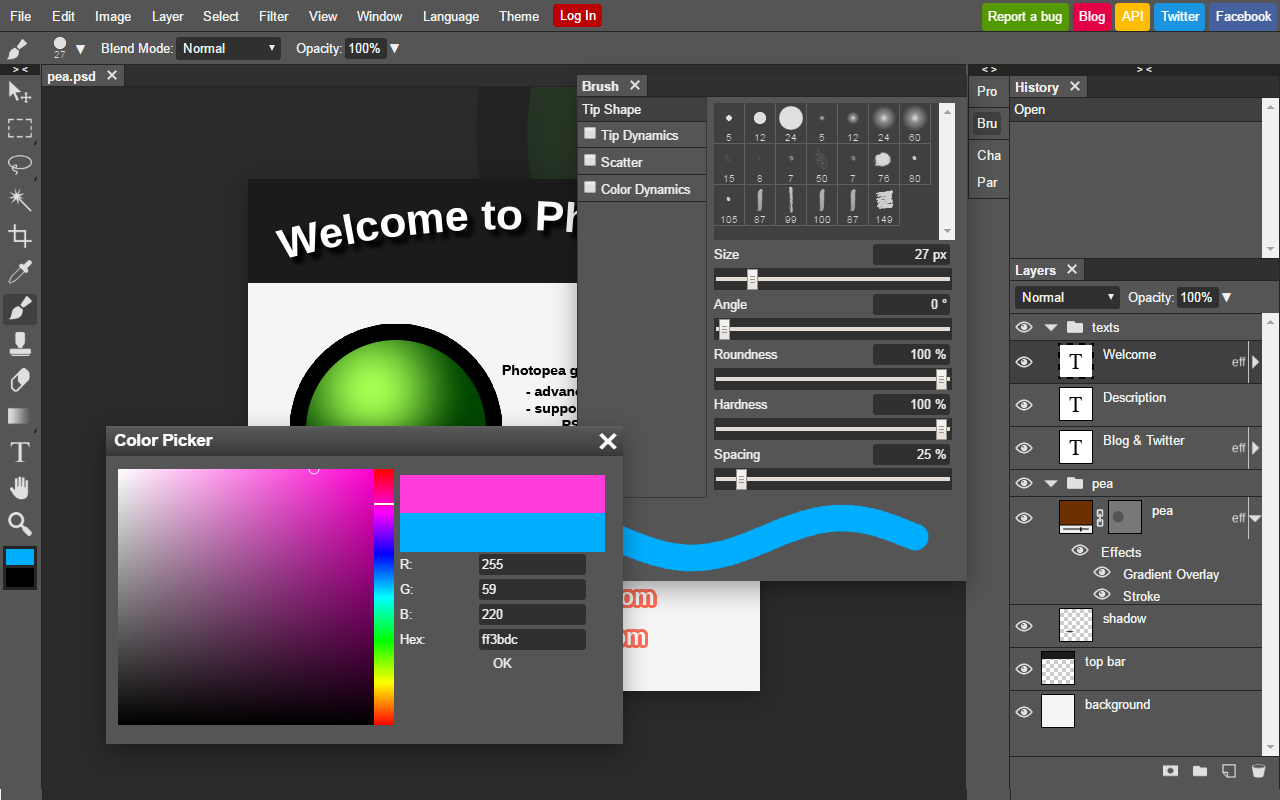
Crop a product photo, edit text in a layered PSD, or resize a graphic directly in your browser. Free core editing; files are processed locally on your device.
Visit source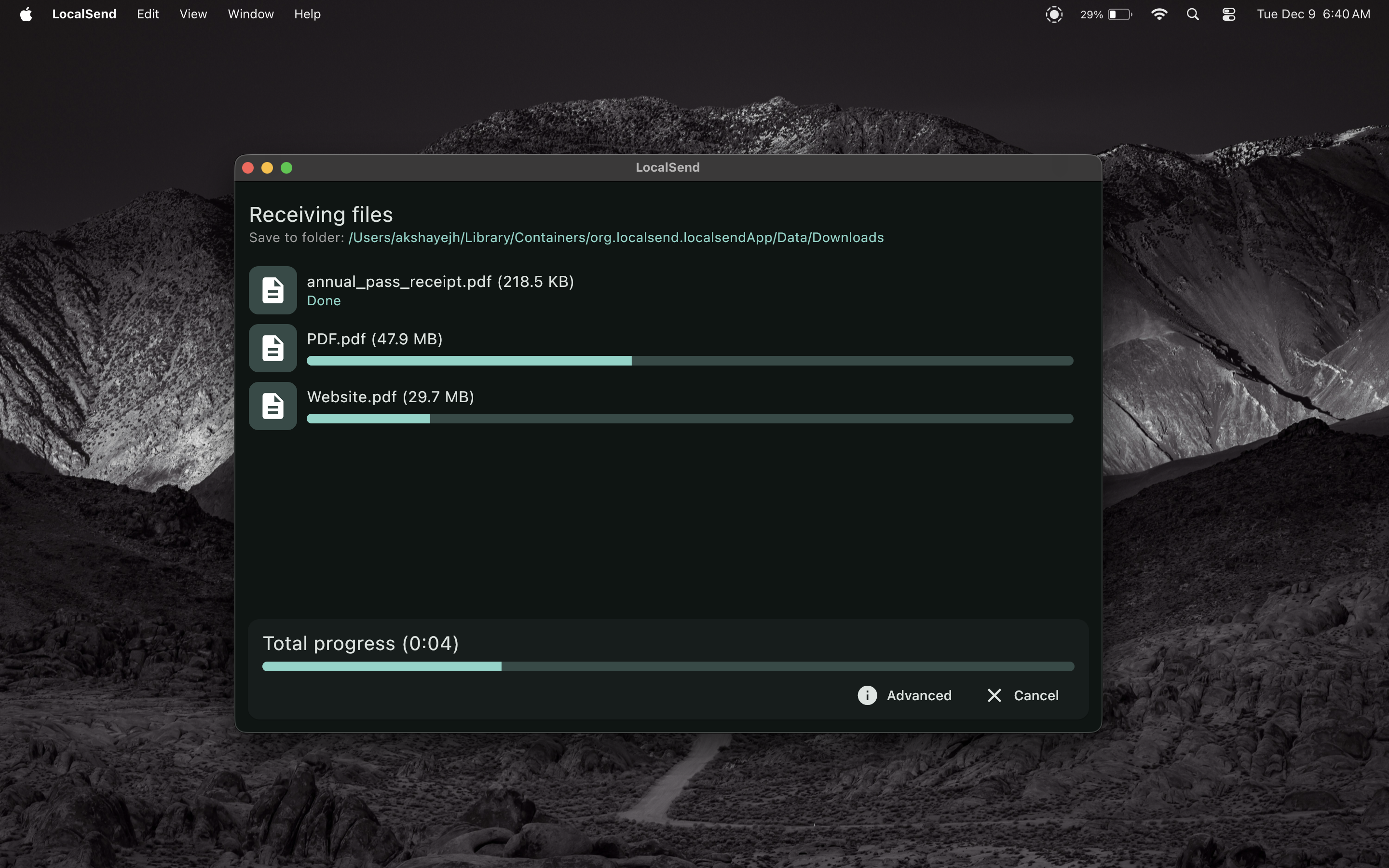
Send photos or documents between nearby Windows, Mac, Linux, Android, and iOS devices over the same local network. Free and open source; install it on both devices and connect them to the same network.
Visit source
Draw a simple plan, diagram, or wireframe and share a link or export an image when words alone are getting cumbersome. Free open-source web app; paid Excalidraw+ is a separate service.
Visit source
Make a signup, RSVP, or feedback form by typing questions into a document-like editor and sharing the finished link. Useful free plan; fair-use rules apply and some advanced features require paid plans.
Visit source
Turn on JavaScript to follow this list or save a copy.