The best free creator tools worth trying now
8 picks · By SaveToList Picks ·
Recent editing and motion discoveries from creators and communities, plus established tools for the finishing steps. Free-tier limits are stated. Curated by SaveToList Picks. Follow recent editing and motion discoveries, with free-tier limits explained. Recent creator and community sources are linked on the picks they informed. Dates distinguish launches, meaningful updates and renewed recommendations; established foundations are kept where they still earn their place.
Follow this list in SaveToList to keep future additions in reach.
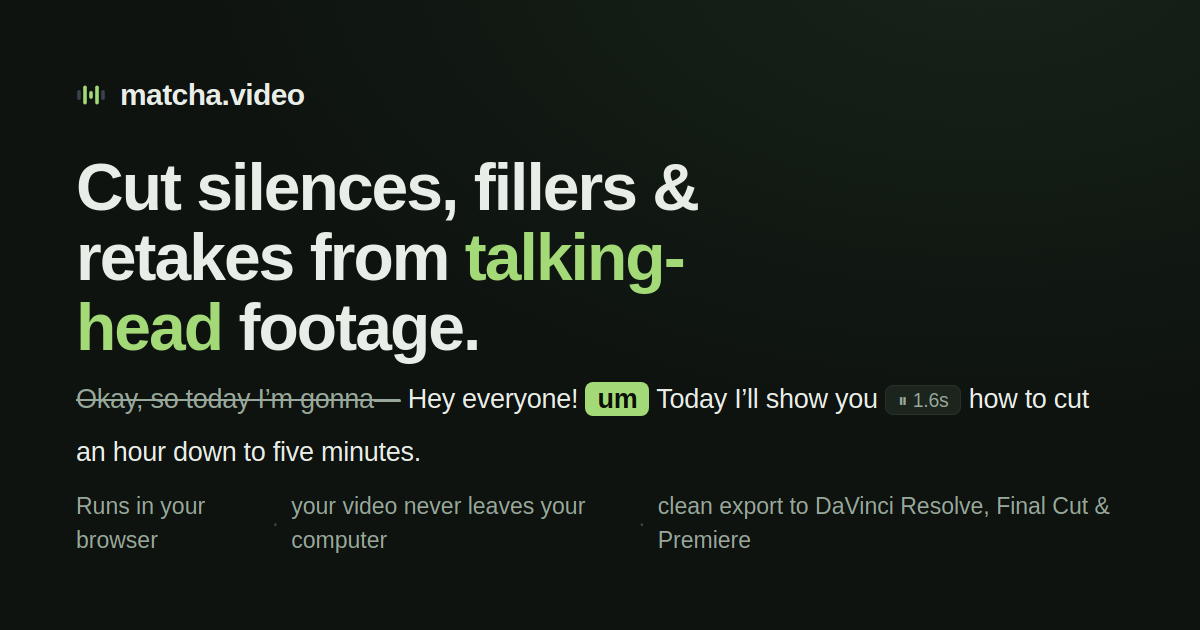
Review silences, fillers and repeated takes in a transcript, then export an editable cut into your usual editor. The free workflow processes the recording on your computer. Discovered in the October 2026 editors showcase. Free local browser editor; faster server transcription is optional and paid after included credit.
Visit source
Score focus, exposure and movement locally, then export a selects timeline to your editing software. Use the scores to speed up the first pass while keeping the creative decisions yourself. Newer creator tool surfaced in October’s editors showcase. Free Lite for Mac and Windows; Pro adds customisation and other advanced controls.
Visit source
Choose a motion layout, add your own media and adjust timing, spacing and colour before exporting. A lighter starting point for a launch clip or animated portfolio than a blank timeline. October 13 creator discovery of MOVO’s free motion-template beta. Free beta; sign-in and service fair-use conditions apply. Download your finished exports.
Visit source
Connect a compatible agent to the editor, then review its cuts, titles and sound on a manual timeline. Useful when you want to direct by description and still adjust the result yourself. September 30 launch: agent edits appear on an editable timeline. Manual editor is free; AI generation uses credits and your chosen assistant may require payment.
Visit source
Try a simple timeline edit without committing to another subscription. Use the currently hosted classic version for a test project, and watch the rewrite separately. October 10 rediscovery; the current classic editor is available today. Free, MIT-licensed project. The current public app runs the classic version.
Visit source
Edit footage, balance colour, and finish the sound in one desktop app. Choose this when you want room to grow beyond quick trims and are willing to learn a more capable editor. A free edition is available for Windows, macOS, and Linux; Studio has additional paid features.
Visit source
Record your screen, camera, and microphone as separate sources in one scene. Start here for a product demo or tutorial where viewers need to see both you and what you are doing. Free and open source for Windows, macOS, and Linux.
Visit source
Create, correct, and retime subtitle files rather than publishing unchecked automatic captions. Use waveform and preview tools to fix names and align speech with readable text. Free and open source; platform support and optional online transcription services have separate requirements.
Visit source
Turn on JavaScript to follow this list or save a copy.