The best local AI tools and models right now
8 picks · By SaveToList Picks ·
Recent downloadable models and practical local workflows, with hardware requirements and cloud options clearly distinguished. Curated by SaveToList Picks. Follow new local models and tools, with hardware requirements before you download. Recent creator and community sources are linked on the picks they informed. Dates distinguish launches, meaningful updates and renewed recommendations; established foundations are kept where they still earn their place.
Follow this list in SaveToList to keep future additions in reach.
Download Recursive’s Apple Silicon checkpoint and follow the linked Rec setup for a small coding task. Start with a narrow change that you can verify independently. New October 21 coding model; this is its Apple Silicon INT4 checkpoint. Apache 2.0 weights; approximately 22.6 GB download plus runtime and context memory.
Visit source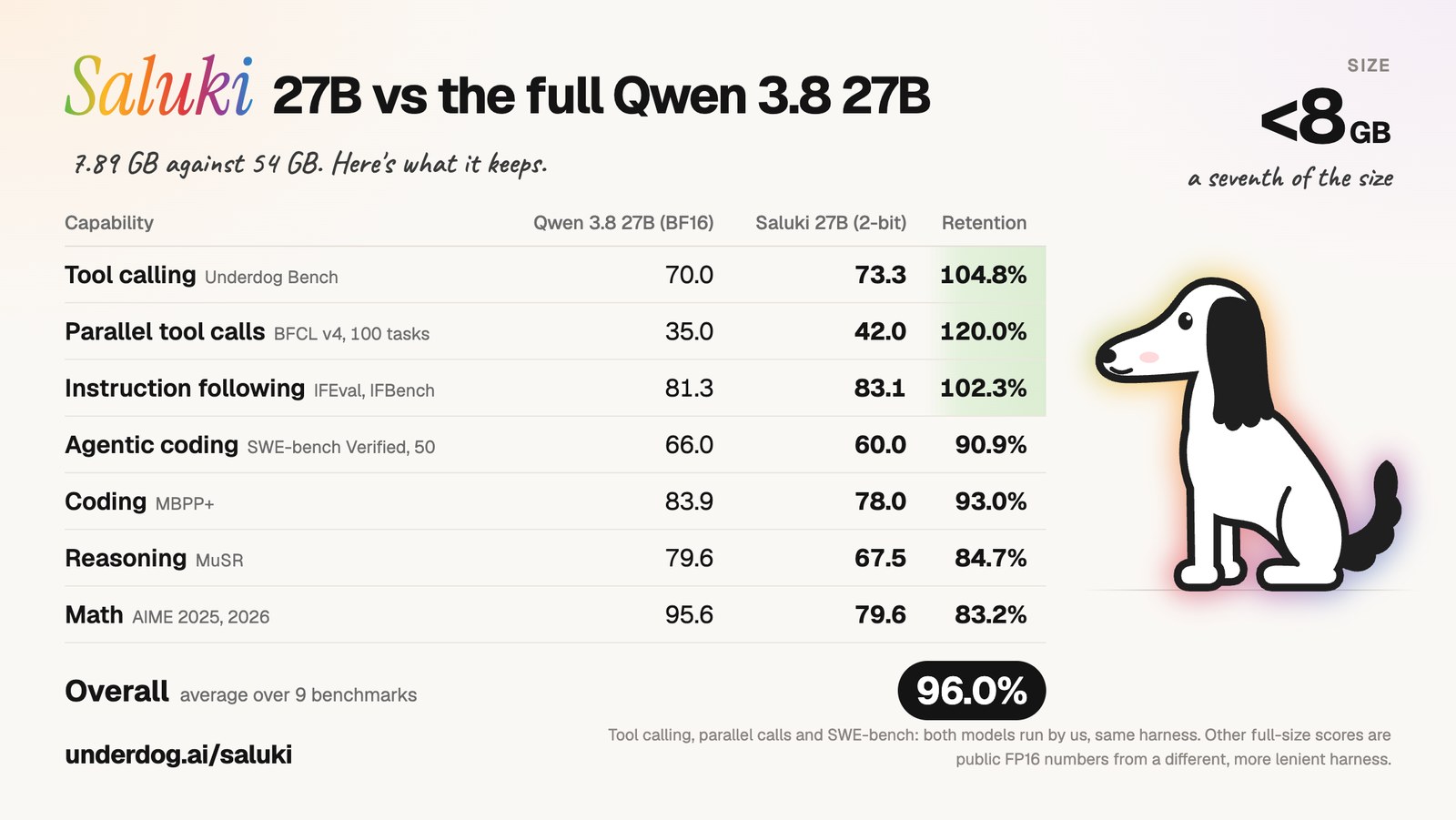
Try the compact Qwen-derived model for local assistant experiments when larger weights will not fit. The standard GGUF works outside the invite-only Underdog app too. October 8 open-weight release, with a compact GGUF download. Apache 2.0 preview checkpoint; roughly 7.89 GB weights plus runtime and context memory.
Visit source
Use an agent interface for coding and document work, choosing local inference when your hardware can support it. Its October updates add a more capable canvas and document previews. Bionic’s October releases add canvas work and previews; distinct from classic LM Studio. Separate app from classic LM Studio; select local models explicitly. Optional cloud inference has charges.
Visit source
Run a downloaded open model on your computer and connect it to compatible chat or document tools instead of sending prompts to a hosted model. Ollama’s September 29 decision-model support adds structured local classification workflows. Also offers cloud models; choose local models and use its local-only setting if you want cloud features disabled.
Visit source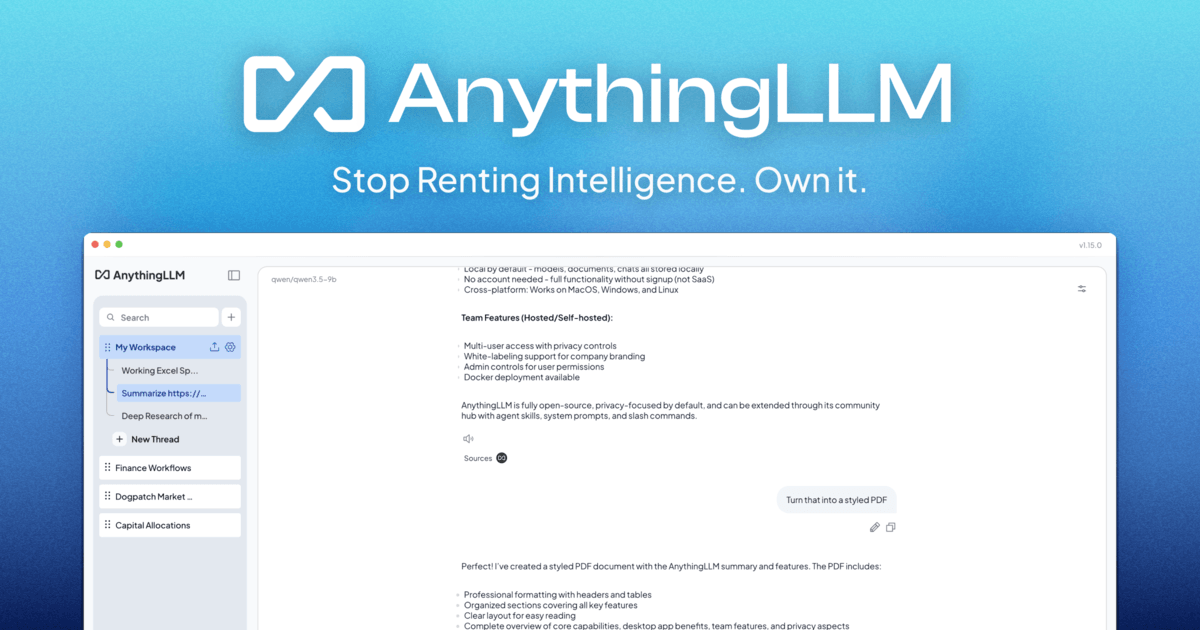
Create a desktop AI workspace around your documents and ask questions with a local model and local document processing. Free desktop app; select local providers for an offline workflow, and review the optional telemetry setting.
Visit source
Drop an interview, lecture, or voice recording into the Mac app and transcribe it using local models. Mac only; a free edition is available, with additional capabilities in paid Pro.
Visit source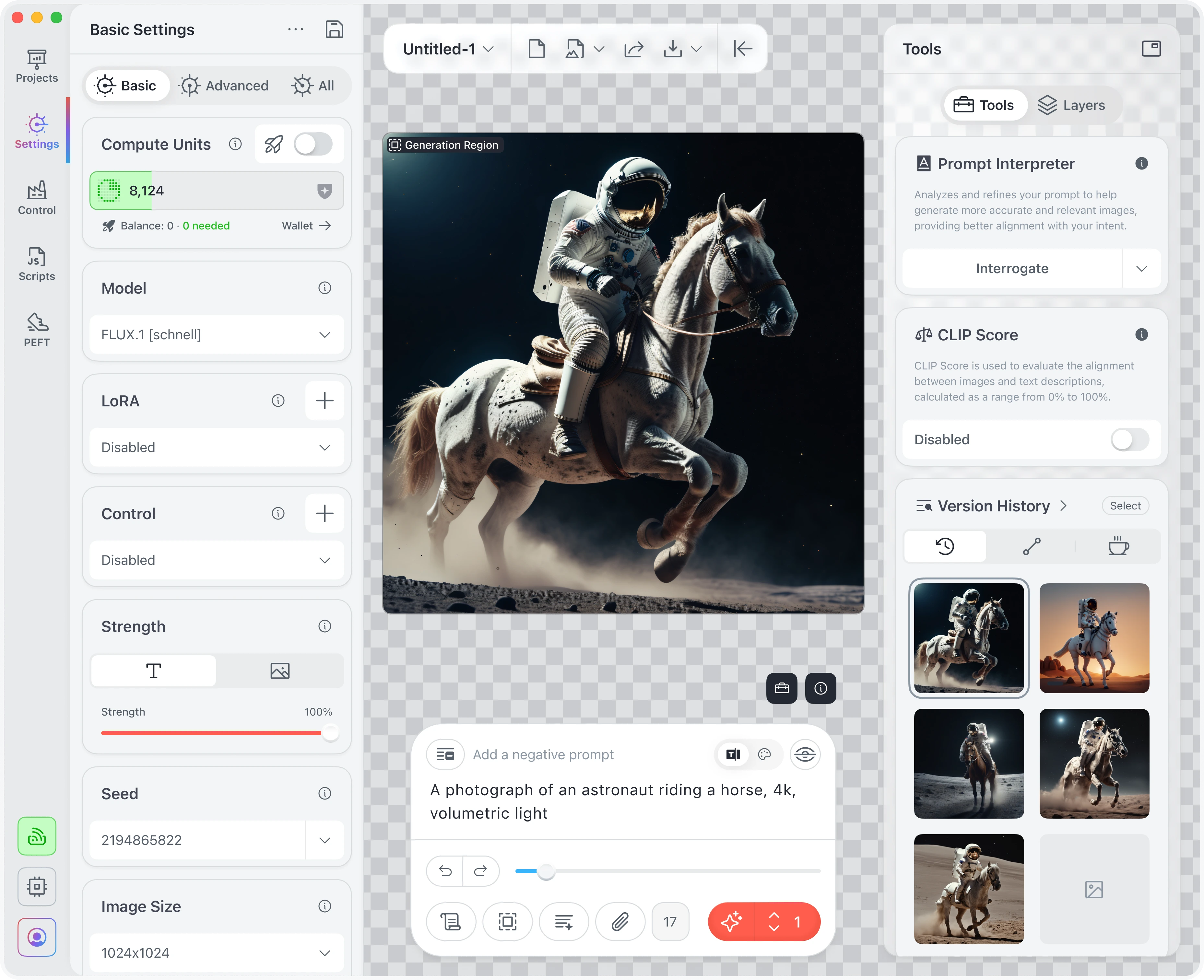
Generate images, explore styles, or expand a canvas with locally downloaded image models on a Mac, iPad, or iPhone. Free local edition; device performance and model size matter, and cloud compute is a separate option.
Visit source
Give locally hosted models a browser-based home with conversations, document retrieval, and configurable tools. Self-hosting requires setup; it can also connect to cloud providers, so choose local connections for local processing.
Visit source
Turn on JavaScript to follow this list or save a copy.